
Where the screenshots go
What each tool's own pages said on 28 September 2026. Vendors change these, so check the current pages before you decide.
| Tool | What its own pages say |
|---|---|
| Scribe | Data is encrypted in transit and at rest. Its Smart Blur documentation says sensitive data is blurred before capture so that it never reaches its servers, which means unblurred captures otherwise would. It also says AI providers delete processed data within 30 days. |
| Tango | Cloud-based, hosted on AWS in a VPC that is not publicly accessible. Not available on premises. Data is stored when you start an action such as capturing a workflow. |
| Mimik | Guides, steps and screenshots live on your device. Its README says site icons are fetched from Google's favicon service, and optional AI features send text to the provider you configure. |
| Showsteps | Guides and screenshots live in your browser. No network requests after install, no AI service, no analytics. |
None of that means the cloud tools are careless. They describe serious security work. The point is narrower: if a rule says internal screenshots must not leave your network, a tool that uploads them by design cannot pass, however well it encrypts.
How to check any extension yourself
Do not rely on a store listing, including ours. You can test in five minutes.
- Open
chrome://extensions, click Details on the extension and read the site access and permissions list. Ask why each one is there. - Open the extension's background page or service worker inspector from that same page and switch to the Network tab.
- Record a short task on a test site, using made-up data.
- Watch the Network tab while you record, edit and export. Any request to a domain you do not recognise is data leaving. An empty list is what you want.
- Repeat with the browser offline. A local-first tool should work identically.
Showsteps is built to pass this test, and it is open source, so you can also read what it does. If you find a request it should not make, please file an issue.
What Showsteps does with sensitive fields
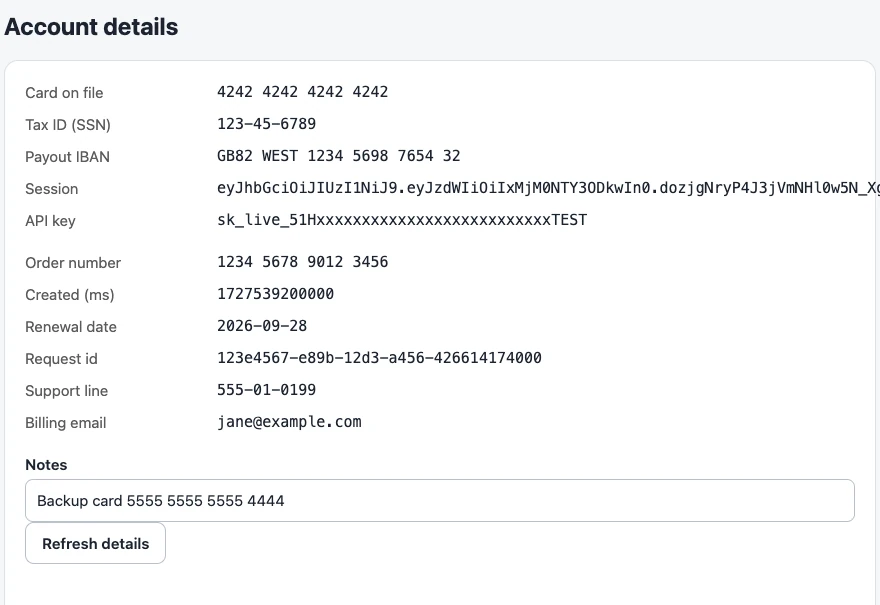
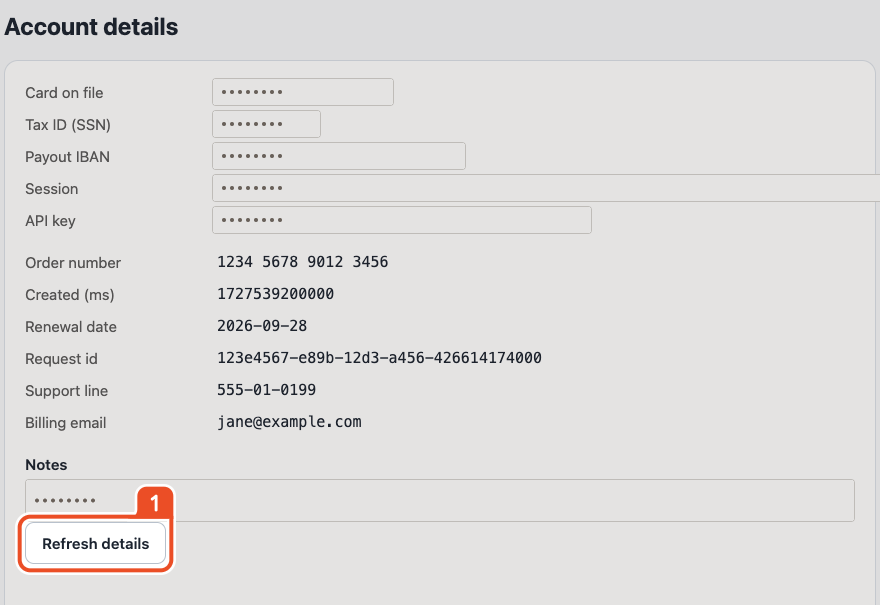
While you record, Showsteps looks for password, card and other sensitive fields. The typed value is never stored, and the field is masked before the screenshot is stored, so the sensitive value never exists in the guide, not even hidden under an overlay. You can also draw a blur or crop over anything else, such as a customer name in a table.
Automatic detection is a safety net. It cannot know that the name in a table is a real person, so read each screenshot before you send the guide.
What you give up by staying local
- No hosted share links. You send a file: PDF, single-file HTML, Markdown or DOCX.
- No shared team library. Guides live on the machine that recorded them until you export or hand over the
.showstepsproject file. - No desktop or mobile capture. Chrome tabs only.
- No viewer analytics, because nothing is hosted.
For many teams that trade is fine: the guide goes into a wiki, a ticket or a document anyway. If you need a hosted library, a cloud tool is the honest answer.
Handing guides to your security team
Give them the privacy page, which lists each permission and why it is needed, and the repository. The extension has no backend, so there is no data processing agreement to sign and no subprocessor list to review.